Get help from support
This page shows you how to contact support, and what to send so we can help you faster.
The team that builds FieldCraft answers your requests.
Before you begin
-
Jira permission: Jira admin, to open the FieldCraft admin page and copy the diagnostics. You need no Jira permission to open the support portal.
-
FieldCraft: installed on your site.
Copy the diagnostics
-
Go to Settings (⚙) > Marketplace apps > FieldCraft: Custom Fields.
The FieldCraft admin page opens.
-
Select the Help & support tab.
The Support panel shows For your request, with the version and your setup.
-
Select Copy diagnostics.
A Diagnostics copied message appears.
If copying fails, the details open below the button. Select the text and copy it.
Send your request
-
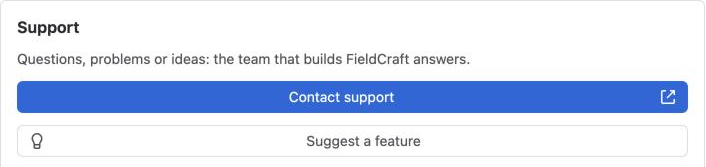
Select Contact support on the Help & support tab, or open our support portal.
-
Describe what you expected, and what you see instead.
-
Paste the diagnostics, and add the details from the list below.
-
Send the request.
Result: We reply in the support portal.
To suggest an idea instead, select Suggest a feature. It opens the same portal.
What to include
-
The field's name and its type, for example Cycle time, Time Between.
-
The key of a work item where it happens, for example
KAN-42. -
The exact message you see, or a screenshot of the field and its hover.
-
What you changed before it started, for example a saved configuration or a reindex.
-
The raw data of a check, if support asks for it. On the field's configuration page, turn on Check it on a work item, select Check, and copy Raw data (for support).
Raw data comes from the work item you checked. Send it only if you're comfortable sharing it.
What the diagnostics contain
| Part | What's in it |
|---|---|
| App | The FieldCraft version and its environment |
| Calculation | How many calculated fields you have, and whether the three calculation switches are on |
| Browser | Your browser's date and time settings, such as its time zone and locale |
| Work calendars | Each calendar's name, working hours, breaks, holidays and time zone |
The diagnostics contain no work item data. They don't include work item keys, field values, comments, JQL or people's names.
Related
-
Troubleshooting: fixes for common problems.
-
FAQ: short answers to common questions.
-
Data security and privacy: what FieldCraft stores, and where.